Avoiding AI

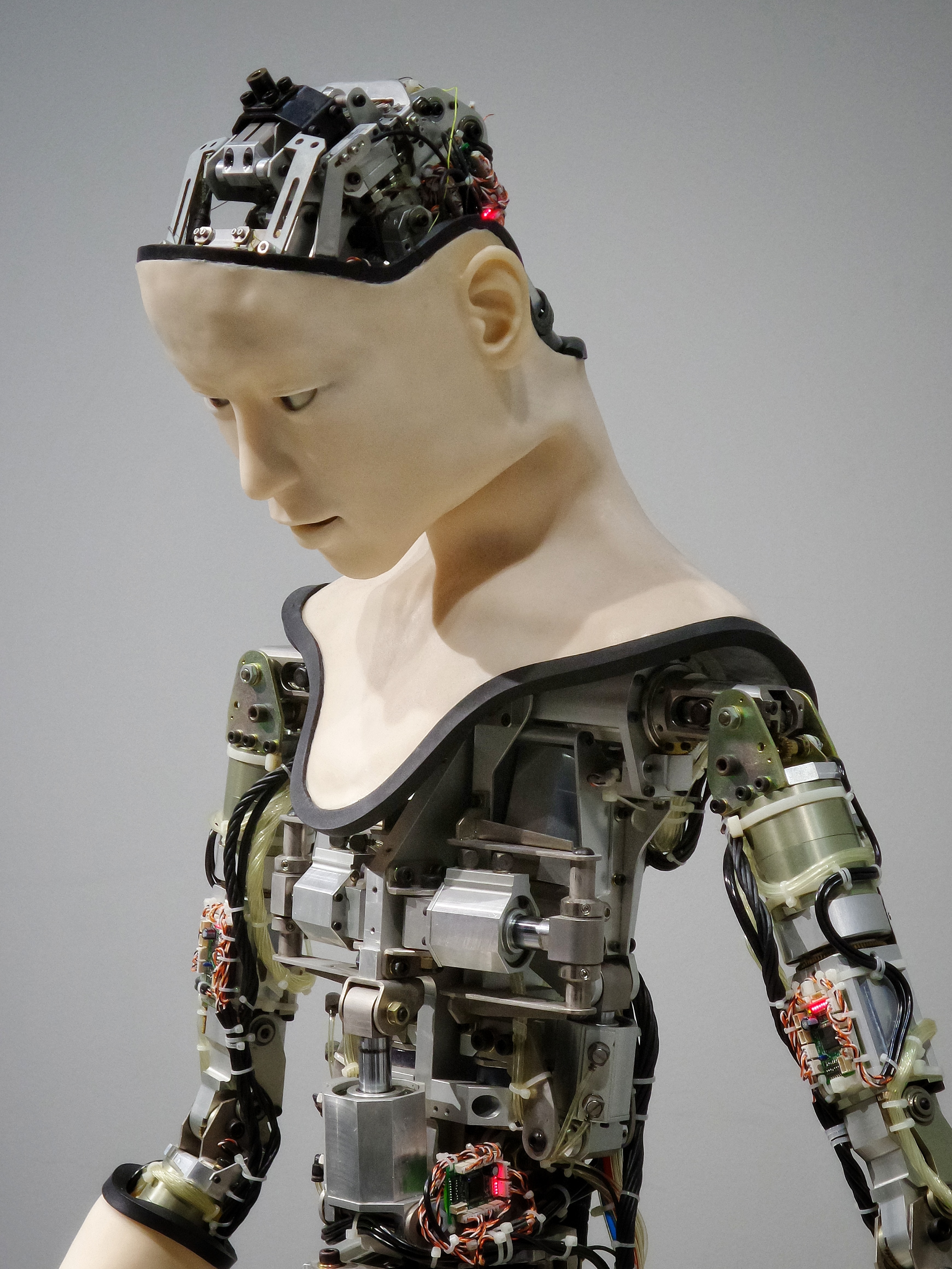
I try to avoid AI whenever and however I can.  Being an Apple user, I’ve stopped asking Siri for anything.  Our television isn’t smart.  Our stereo consists of components that don’t secretly conspire with one another.  They use physical cables and have no bluetooth or other software in them.  But with constant “upgrades” on computers, which we have to have because AI is so good at hacking, my daily life has been invaded by Al.  This came clear to me the other day as I was finishing up a short story I’d been working on.  The creative process take time.  I’d started this one months ago.  I get lots of ideas and I start many stories that get dropped when another hook comes along.  Then I’ll remember what drew me to an older idea and go back to finish the neglected piece.
It takes courage to submit stories for publication.  I get a lot of rejections, as most writers do.  That means I go for periods without trying.  Besides, all the journals say you should regularly read them to get an idea of what the editors like.  If you work 9-2-5 and have your own blog, and you like to read full books, this can be difficult.  You can, of course, just shoot into the dark.  But I digress.  I finished a story recently and copied it from my writing software into Pages.  Since I use a Mac, Microsoft Word conversion is the last step before submitting a story.  Most publishers go the clunky Microsoft route.  Up until the day I tried to save said story, I hadn’t realized just how much Al had insinuated himself into my operating system.

When you go to save a Pages document, the default used to be “Untitled.”  That was never a problem for me because I’d go in through the finder and change it manually.  Now Al is “reading” your document and suggesting a title for you.  This particular story had a creative title that existed in my head, but not in the body of the fiction itself.  At least not in any obvious way.  I opened a new document in Pages, pasted my content in and went to save it.  A title that missed the point of my story entirely glowed in the Save As field.  Al wanted to “help” by naming my creative fiction.  If there was a way to turn off AI on my Mac, I would.  I don’t want it.  I try not to use it at all.  With software updates nearly weekly now, how long before the creative process, when done on a computer, is taken over completely? Hey Al, I don’t want, or need, your help.


Ancient History

In the white heat of rhetoric, my word processor froze up. I don’t have much time for writing with my commuting schedule, so the full forty-five minutes lost between the typing of a letter “s” that apparently caused the meltdown and being able to access my text was lost in a prayer that my work hadn’t been lost. I remember the days when everyone used Microsoft Word and there was this joke going around about the Devil and Jesus being tested on their computer skills. I can’t remember the joke but I do recall the punchline: “Jesus saves!” So it was in those days that you had to hit “save” every few minutes or your work would be lost. Many laments could be loudly heard of students having lost an entire paper because they’d forgotten their prophylactic “save”s. I found that working on a Mac that such problems weren’t always so bad. But then, system upgrades became more frequent. Two programs that you needed open simultaneously, Word and Internet Explorer (called something else in those days, but I can’t remember what), were a sure recipe for mutually assured destruction. The memory required would freeze even an Apple to its core, and so the systems gurus made improvements and things got better.

Of course, those of us who’ve spend the Gross Domestic Product of a small country on Apple devices have been lulled to complacency. Over the years (since the fiasco of the original iMac) we’ve come to learn that Apple will save our work, and that crashes, while infrequent, will bring our files back onto the screen after recovery. You really don’t need to save since autosave is capable of being the messiah of all computer files. Then the gurus upgraded the system. For the past several months I can’t run a word processor and internet browser simultaneously on my computer without freezing up the system. Imagine my chagrin when, having less than an hour to write, copy, paste, and post my blog entry for the day, my word processor decides that it doesn’t recognize the letter “s.” Of course, Apple long ago stopped being compatible with Microsoft Word. Those of us who used both Macs and Word cheered when the two finally became compatible about a decade ago, but in the battle for computer supremacy, we no longer have that option. My Mac can open Word files and save documents as Word files, but it can’t run Word. Instead it runs word processors that don’t recognize that most rare of characters, the insidious “s.”

So I went to back up my files over the weekend. I keep some files on a memory stick (so called) because they take up a lot of space and I don’t use them that often. The memory stick failed in the middle of a save (doesn’t Jesus save anymore?) and I spent an entire Saturday trying to recover files that were already saved. According to some Christian traditions, once saved, always saved. You can’t be unsaved. After losing an enormous amount of work that equated to many hours of precious weekend time, I’m beginning to have my doubts about my faith. Using Pages, Apple’s version of Word, is sure to lead to a crash. This has been happening since at least September. I get systems upgrades more frequently than calls from telemarketers. I really don’t ask for much. I’ve got about an hour to get my writing done in the morning and I would really, really appreciate it if forty-five minutes of that hour weren’t taken up by Pages trying to recognize the letter “s.” After all, not even Jesus can save without it.

In the beginning was Word...

In the beginning was Word…